

Pull Requests
A pull request proposes merging the changes on one branch of the project repository into another. Reviewers approve it or request changes, Orion reviews the diff automatically, and anyone who can write to the target branch merges it. On a project’s Code page, open the Pull Requests panel on the right to see the project’s pull requests or create one.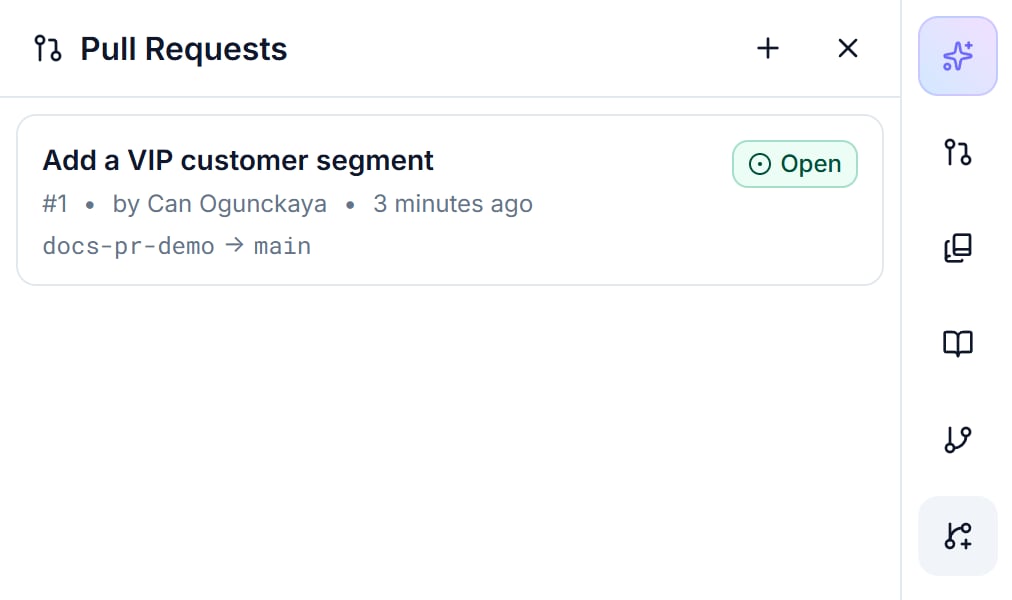
Creating a Pull Request
Click Create Pull Request and fill in: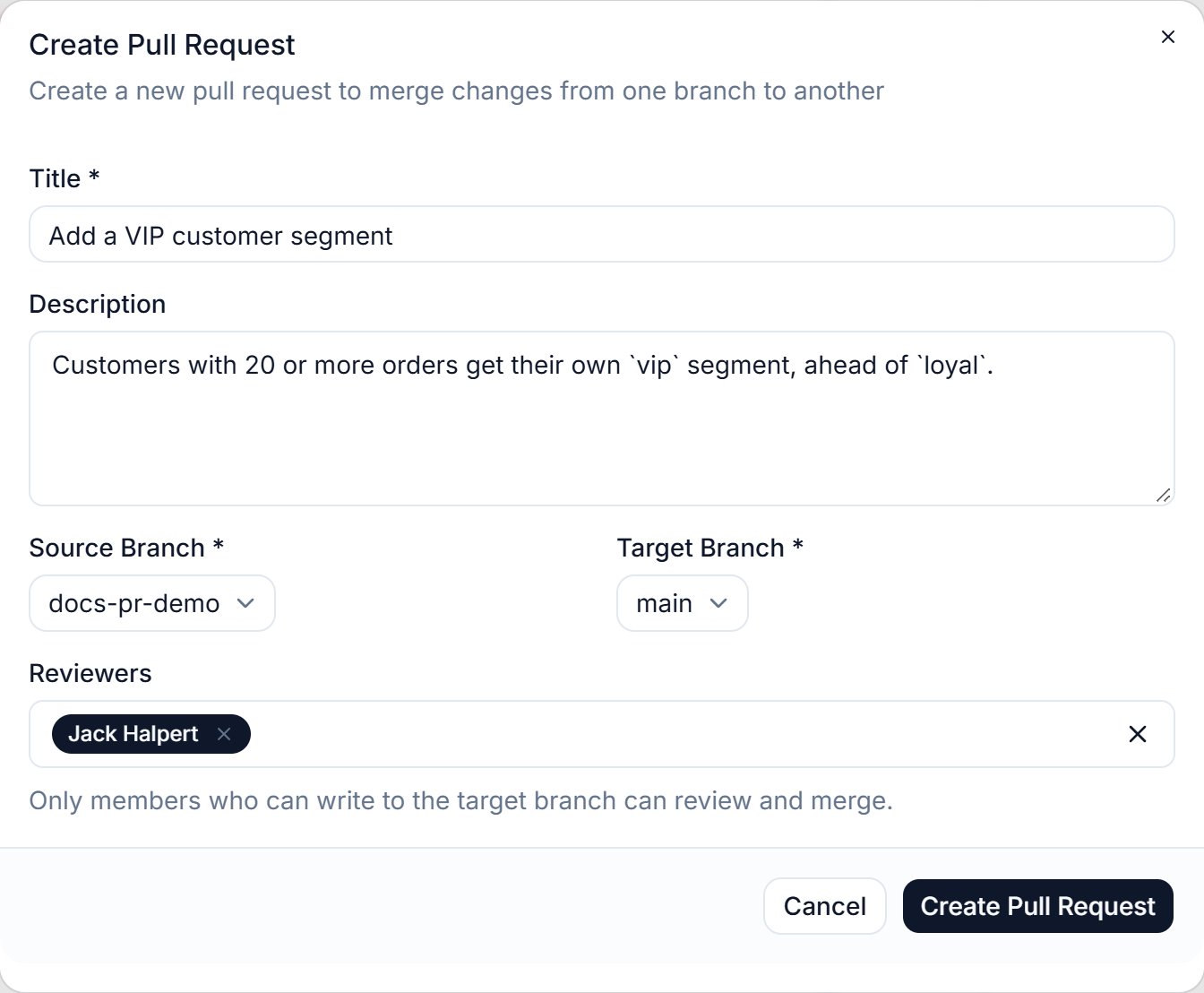
Reviewing
Reviewers open the pull request, check the Files Changed tab, and choose Approve or Request changes, with an optional comment. The author gets a notification either way.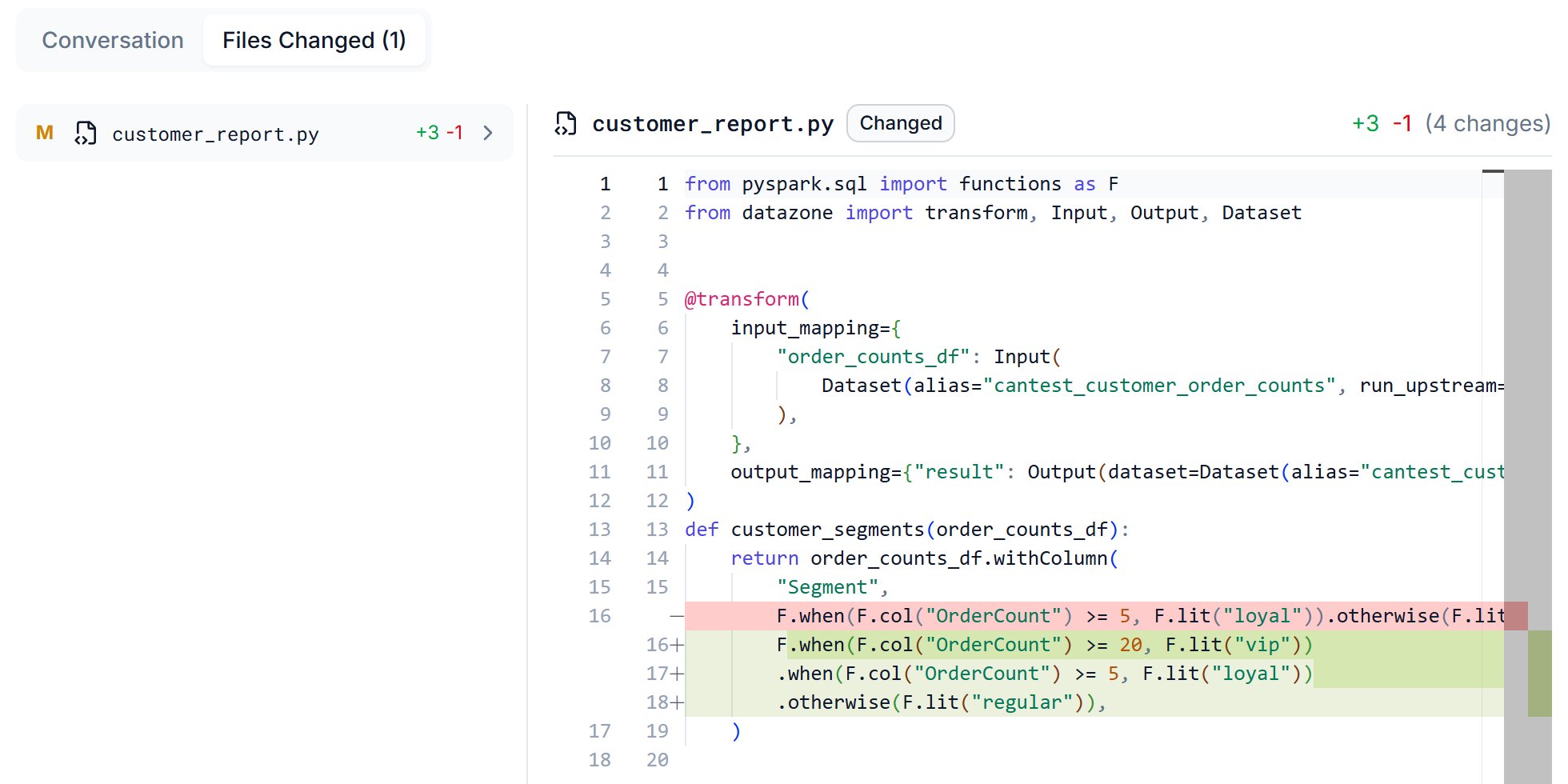
- A reviewer must be able to write to the target branch, since the same permission merges it. Anyone who can write to it may review, even if nobody requested them.
- The author cannot review their own pull request.
- Reviewers can be added or removed while the pull request is open.
Merging
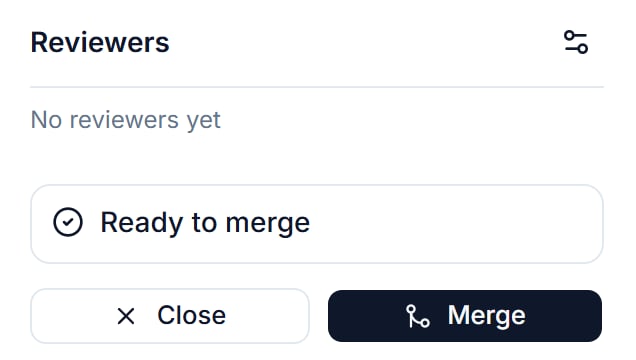
Anyone who can write to the target branch can merge, including the author. Approvals are not required: Merge is enabled when all of these are true:- The pull request is open
- The branches have no conflicts
- No reviewer has requested changes. A reviewer who did must approve before the pull request can be merged, or be removed
Orion Review
When a pull request is created, Orion reads its diff and writes a summary and up to 10 findings, each pointing at a file and line with a severity: Info, Warning or Critical. The author is notified when the review is ready.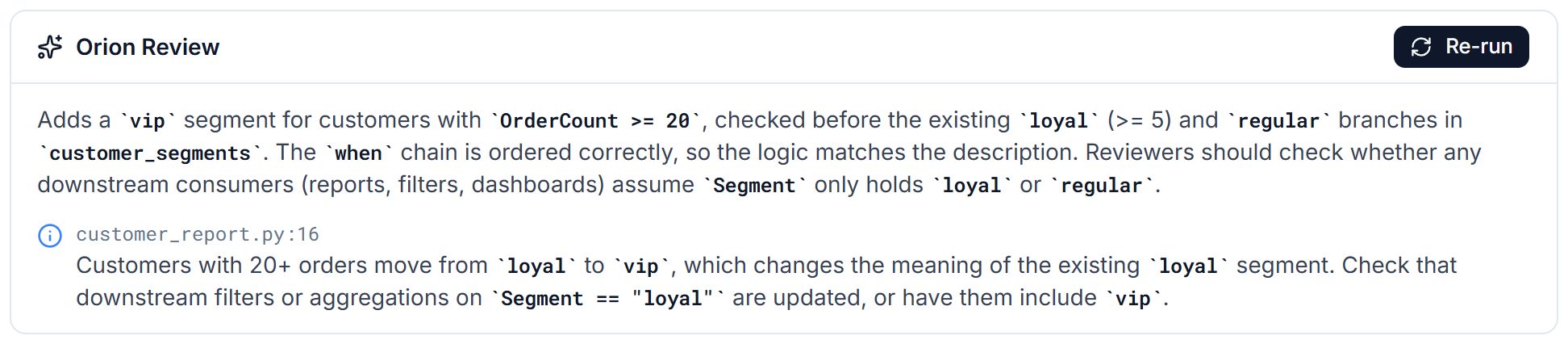
Notifications
The bell in the top bar lists what needs your attention: review requests, approvals and change requests on your pull requests, approvals outdated by new commits, merges, closes, and finished Orion reviews. Mark all as read clears it.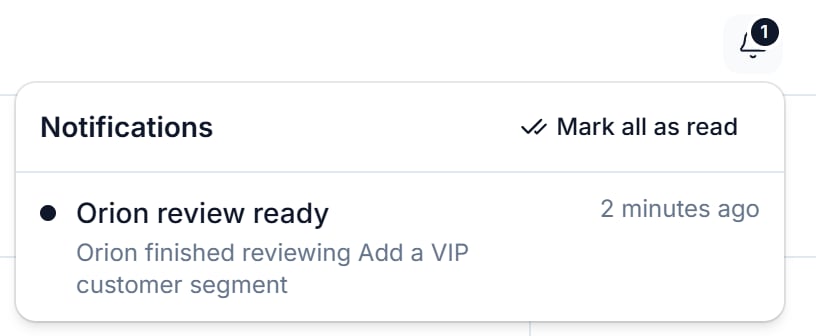
Permissions
Pull requests follow the repository permissions in Policy, checked on the branches involved:Branch Protection
Protect
main so that every change reaches it through a reviewed pull request