

Overview
Datazone tracks several resource types to help you monitor and manage your platform usage. Understanding these resources is essential for capacity planning, cost management, and setting appropriate Quotas.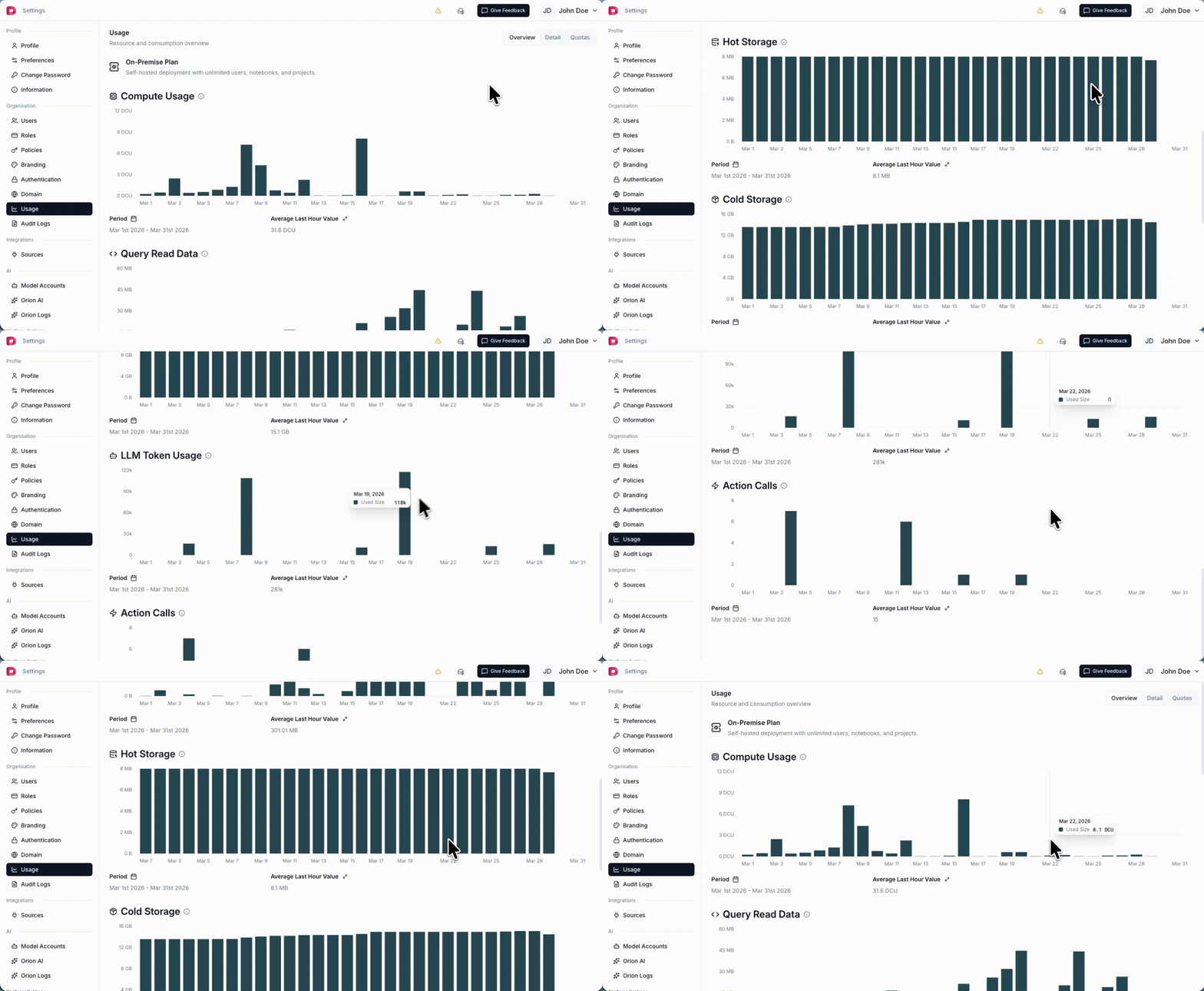
Resource Summary
Resource Types
DCU (Datazone Compute Units)
DCU measures compute resources consumed by your workloads. Definition: 1 DCU = 1 vCPU for 1 hour Example:- An XSMALL instance (2 vCPU, 8GB RAM) running for 1 hour = 2 DCU
- A SMALL instance (4 vCPU, 16GB RAM) running for 30 minutes = 2 DCU
- A MEDIUM instance (8 vCPU, 32GB RAM) running for 15 minutes = 2 DCU
- Executions
- Notebook kernels
Tokens
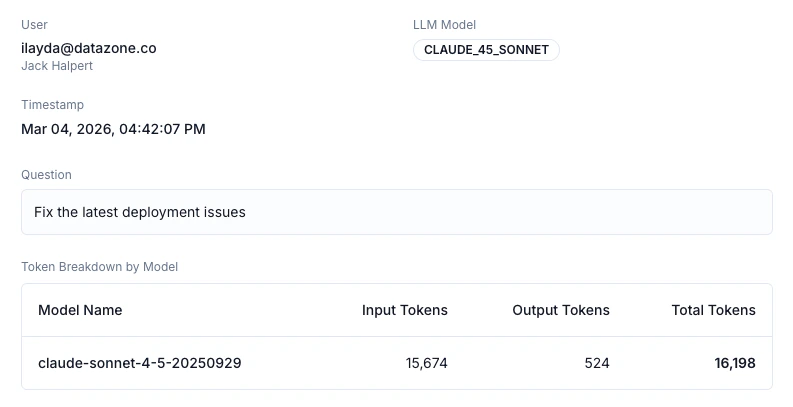
Tokens measure the usage of Large Language Models (LLMs) in your Datazone workspace. Definition: Total number of input and output tokens consumed by LLM operations What uses tokens:- Orion AI Code Assistant
- Intelligent App Chat
- Agent
- Embeddings
Hot Storage
Hot storage refers to data stored in the relational database for fast querying and analysis. Definition: Storage measured in megabytes (MB) What uses hot storage:- Materialized tables from pipelines
- Transformed datasets
- Cached query results
- Metadata and system tables
- High-performance SSD storage
- Optimized for fast analytical queries
- More expensive than cold storage
- Best for frequently accessed data
Cold Storage
Cold storage refers to data stored in the lakehouse (object storage) for long-term retention and archival. Definition: Storage measured in megabytes (MB) What uses cold storage:- Raw ingested data
- Historical datasets
- Archived pipeline outputs
- Backup and disaster recovery data
- Cost-effective object storage
- Suitable for infrequent access
- Longer retrieval times compared to hot storage
- Ideal for compliance and long-term retention
Query
Query measures the amount of data processed when executing analytical queries. Definition: Total bytes of data read by queries What affects query usage:- Number of rows scanned
- Number of columns selected
- Use of filters and aggregations
- Query optimization
- Use column pruning (select only needed columns)
- Apply filters early to reduce data scanned
- Leverage partitioning when available
- Use materialized views for frequently accessed aggregations
Actions
Actions measure the number of serverless function executions in your workspace. Definition: Total number of action function calls What uses actions:- Action endpoints triggered via API
- Agent tools calling actions
- Manual action triggers
Resource Planning
For Development Environments:- Start with smaller compute instances (XSMALL/SMALL)
- Monitor DCU consumption during testing
- Use hot storage sparingly for prototypes
- Size compute resources based on workload patterns
- Balance hot vs. cold storage based on access frequency
- Set quotas to prevent unexpected resource consumption
- Review query patterns to optimize data scanning
Cost Considerations
Resource usage directly impacts your Datazone costs:- DCU scales with compute power and duration
- Hot Storage is more expensive per MB than cold storage
- Query costs increase with data scanned (optimize your queries)
- Tokens vary based on LLM usage frequency and complexity
- Actions are counted per execution (each function call)