> ## Documentation Index
> Fetch the complete documentation index at: https://docs.datazone.co/llms.txt
> Use this file to discover all available pages before exploring further.
# Kernels
> Kernels are the execution environments for your Datazone notebooks.
## Overview
A kernel is the computational engine that executes the code contained in a notebook. It acts as an isolated environment that:
* Processes the code you write
* Manages the memory and computations
* Returns the results back to your notebook
 ## Available Kernel Images
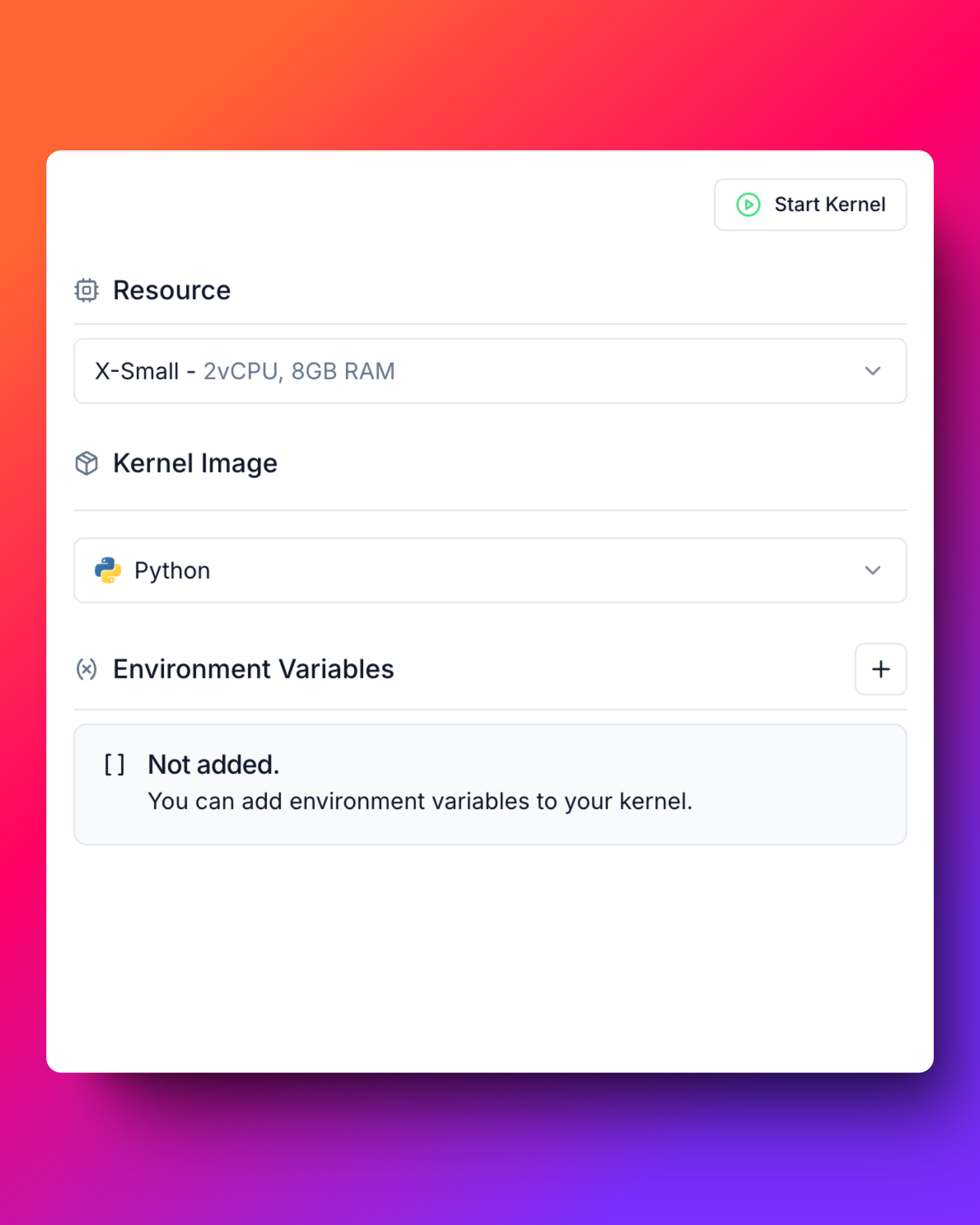
Datazone provides two main kernel images:
* **Python**: Standard Python environment with common data science libraries
* **Python Pyspark**: Python environment with Apache Spark support for distributed computing
## Compute Resources
You can select from different compute sizes based on your workload:
| Size | Resources | Best for |
| ----------- | ------------------- | --------------------------------------- |
| **X-Small** | 2 vCPU, 8 GB RAM | Light data processing, simple scripts |
| **Small** | 4 vCPU, 16 GB RAM | Standard data analysis, medium datasets |
| **Medium** | 8 vCPU, 32 GB RAM | Heavy computations, large datasets |
| **Large** | 16 vCPU, 64 GB RAM | Big data processing, complex analytics |
| **X-Large** | 32 vCPU, 128 GB RAM | Enterprise-level distributed computing |
## Environment Variables
Before initializing a kernel, you can set custom environment variables to:
* Configure access credentials
* Set runtime parameters
* Define application-specific settings
* Control library behaviors
## Available Kernel Images
Datazone provides two main kernel images:
* **Python**: Standard Python environment with common data science libraries
* **Python Pyspark**: Python environment with Apache Spark support for distributed computing
## Compute Resources
You can select from different compute sizes based on your workload:
| Size | Resources | Best for |
| ----------- | ------------------- | --------------------------------------- |
| **X-Small** | 2 vCPU, 8 GB RAM | Light data processing, simple scripts |
| **Small** | 4 vCPU, 16 GB RAM | Standard data analysis, medium datasets |
| **Medium** | 8 vCPU, 32 GB RAM | Heavy computations, large datasets |
| **Large** | 16 vCPU, 64 GB RAM | Big data processing, complex analytics |
| **X-Large** | 32 vCPU, 128 GB RAM | Enterprise-level distributed computing |
## Environment Variables
Before initializing a kernel, you can set custom environment variables to:
* Configure access credentials
* Set runtime parameters
* Define application-specific settings
* Control library behaviors